ProductOutreach
Emails to funders, drafted for you to send.
Questions for a program officer or a contracting officer, cover notes, thank-you notes, and follow-ups. FundFellows drafts them from the notice and your records. You read them and send them from your own address.
The demo runs on a fictional organization and recorded runs. No sign-up.
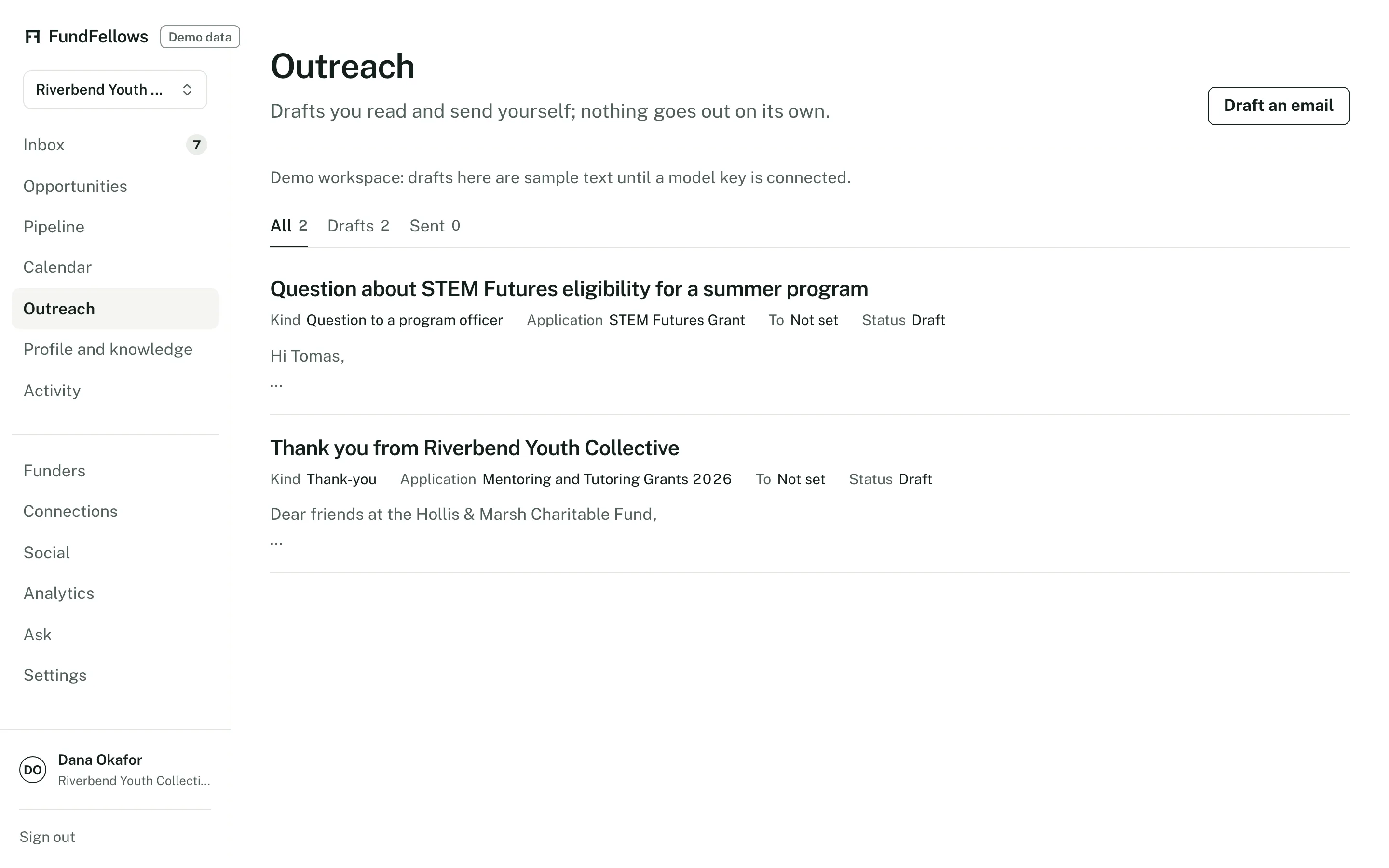
Outreach, on demo data. Each draft waits for you to copy it or send it.
How it works, step by step.
A draft when one would help
A question about eligibility before you apply. A cover note when you submit. A thank-you after an award. A short note after a decline asking what would make the next application stronger.
Addressed from public sources
The recipient is the contact the funder or agency published in its notice, program listing, or filing. If no contact is published, the draft says so and leaves the address blank.
In your words, then yours to edit
Drafts use your confirmed facts and the voice note on your profile. They are short. Edit anything before it goes.
You send it
Copy the text, or open it in your mail app. If you connect Gmail or Outlook, a Send button sends it from your account, and only when you press it.
The specifics
- Kinds of email
- Pre-application questions, inquiry cover notes, submission notes, thank-you notes, and follow-ups after a decision.
- Where addresses come from
- Contacts the funder or agency published in a notice, a program page, or a 990-PF filing. We keep to published professional details.
- Sending
- Copy, or open in your own mail app. With Gmail or Outlook connected, we hold an encrypted send-only token and use it only when you press Send. We do not read your mail.
- Replies
- Replies arrive in your own inbox as usual. Tracking replies inside the product is on the roadmap.
What it will never do
- Send an email on its own. Every send is a click by you.
- Read your inbox. Connecting Gmail or Outlook allows sending only.
- Write to anyone you did not approve.
- Scrape personal contact details or buy contact lists.
The rest of the product
Or follow one application from start to finish on how it works.
- MatchingGrants, public bids, research funding, foundations, and scholarships from official sources, each scored against your records with reasons you can check.
- Drafting with sourcesLetters, proposals, bid responses, and essays where every claim cites your own records, and every missing fact becomes a question for you.
- Deadlines and calendarMilestones planned backward from each deadline, addenda that move the dates, a year plan, reminders, and a calendar feed.
- ConnectionsBoard and contact import, overlap with foundation trustees from 990-PF filings, peer organizations that share your funders, and intro request drafts.
- Win analyticsPatterns in your own logged outcomes: by funder or client, sector, and size. Plain about how little a few outcomes can show.
See it on a sample organization.
Free to start, with no card.
The demo runs on a fictional organization and recorded runs. No sign-up.